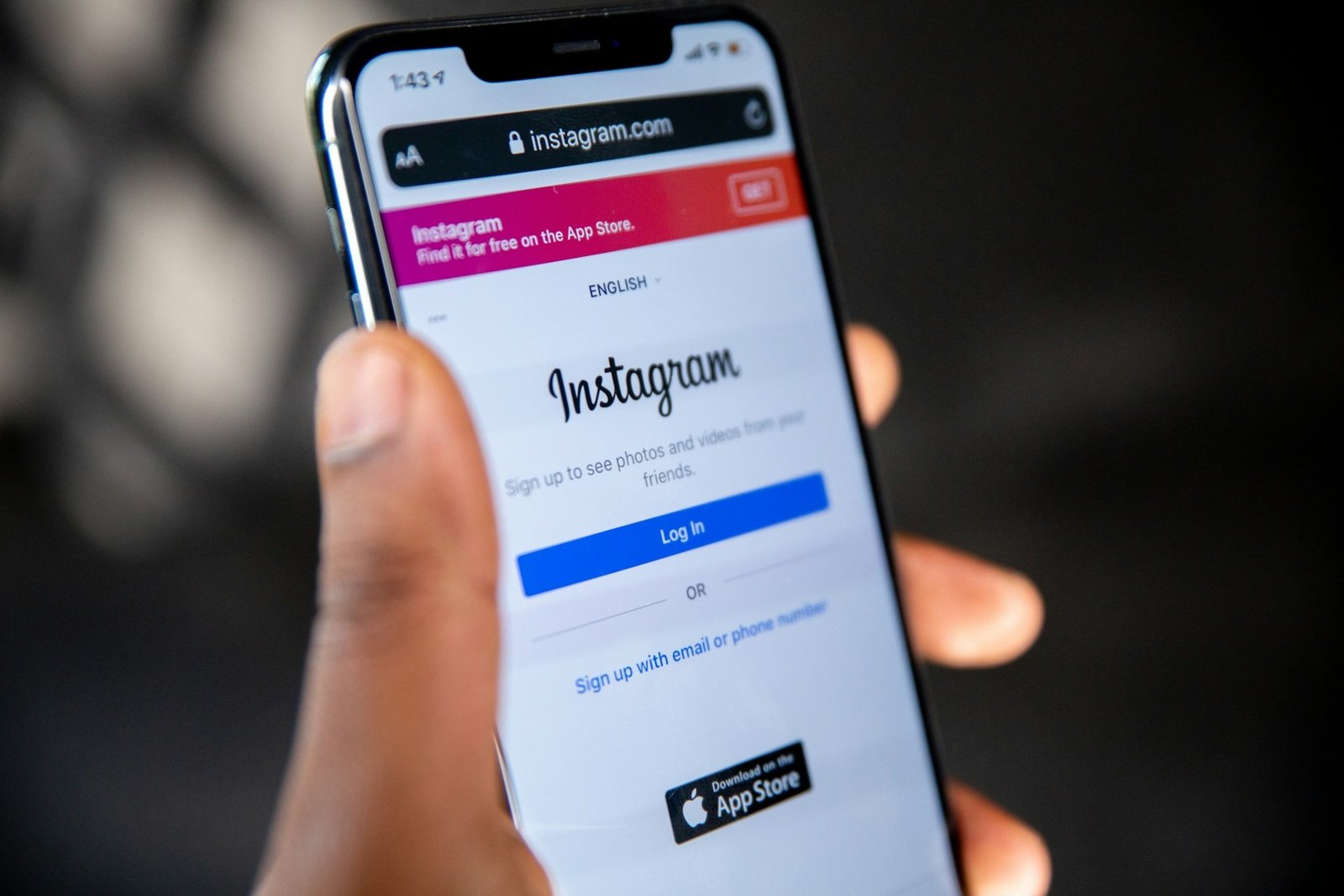
If you no longer want to use Instagram, you can permanently delete your account from the Instagram app or through a web browser. The option is available in Meta’s Accounts Center, where you can choose the Instagram profile you want to remove.
Before deleting your account, make sure permanent deletion is what you actually want. Instagram also allows you to temporarily deactivate your account, which hides your profile without removing it permanently. If you decide to delete your account, it is a good idea to download any photos, videos, or other information you want to keep first.
Once the deletion process is completed, your profile, posts, comments, likes, followers, and other account information cannot be restored.
Delete vs. Deactivate Your Instagram Account
Deleting and deactivating an Instagram account are not the same thing. Deactivation is designed for people who want to take a temporary break, while deletion is intended for people who want to permanently remove their account.
| Option | What happens | Can you return? |
| Delete account | Your account and its content are permanently removed | Only before the deletion becomes permanent |
| Deactivate account | Your profile and content are temporarily hidden | Yes |
If you are unsure whether you will want to use Instagram again, deactivation is usually the safer choice. You can reactivate the account later by signing back in.
Also remember that deleting the Instagram app from your phone does not delete your Instagram account.
What to Do Before Deleting Instagram
Before you delete your Instagram account, consider downloading a copy of the information you want to keep. This can include photos, videos, posts, and other account data.
You can usually find this option in Accounts Center under Your information and permissions, followed by Export your information. Follow the instructions to choose what information you want Instagram to prepare for download.
You should also check that you are signed in to the correct account before continuing. This is especially important if you manage several Instagram profiles or have multiple accounts connected through Meta’s Accounts Center.
How to Delete an Instagram Account on iPhone or Android
You can permanently delete an Instagram account directly from the Instagram app.
- Open Instagram and sign in to the account you want to delete.
- Tap your profile picture in the bottom-right corner.
- Tap the menu in the top-right corner.
- Open Accounts Center.
- Select Personal details.
- Open Account ownership and control.
- Select Deactivation or deletion.
- Choose the Instagram account you want to remove.
- Select Delete account.
- Tap Continue and follow the instructions on the screen.
Instagram may ask you to confirm your password or provide a reason for deleting the account before the request is completed.
The exact wording of some menu options may change as Instagram updates its app. If you do not immediately see the options listed above, look for Deactivation or deletion inside Accounts Center.
How to Delete an Instagram Account on a Computer
The process is similar if you want to delete Instagram from a desktop or laptop.
- Open Instagram in your web browser and sign in.
- Open Settings or Accounts Center.
- Select Personal details.
- Open Account ownership and control.
- Select Deactivation or deletion.
- Choose the Instagram account you want to delete.
- Select Delete account.
- Continue through the confirmation process.
Before confirming the request, check the username shown on the screen. If several Instagram or Facebook profiles are connected to Accounts Center, make sure you have selected the correct one.
What Happens After You Delete Your Instagram Account?
Your Instagram account is not necessarily erased from every system immediately after you request deletion. Instagram provides a cancellation period before deletion becomes permanent. The commonly stated period is 30 days, although the exact cancellation period can vary depending on your region.
During this period, your Instagram content is no longer available to other Instagram users. If you change your mind while cancellation is still available, you may be able to stop the deletion process.
Meta also states that completing the deletion process across its systems can take up to 90 days. Some copies of information may remain in backup storage for longer for recovery, legal, or security purposes.
Can You Recover an Instagram Account After Requesting Deletion?
If the account is still within Instagram’s cancellation period, you may be able to stop the deletion request. Try signing back in and follow any instructions Instagram provides to keep your account.
Once the account has been permanently deleted, however, the old account and its data cannot be recovered. You may be able to create another Instagram account using the same username if nobody else has taken it, but the username is not guaranteed to remain available.
For this reason, you should treat permanent deletion as final and save anything important before requesting it.
What If You Can’t Delete Your Instagram Account?
If you are having trouble deleting Instagram, the problem is usually related to account access or finding the correct setting.
You Forgot Your Password
You need access to your Instagram account before you can request deletion. If you cannot remember your password, select Forgot password? on the Instagram login screen and follow the account recovery instructions.
Once you can sign in again, return to Accounts Center and follow the normal deletion process.
Your Instagram Account Was Hacked
If someone has gained access to your account or changed your login information, try to recover and secure the account first. Instagram provides an account recovery process for hacked or compromised accounts.
After regaining access, you can decide whether you still want to permanently delete the account.
You Can’t Find the Delete Option
Instagram changes its menus from time to time, so the location or wording of the deletion setting may look slightly different on your device.
Start by opening Accounts Center and look for Personal details, followed by Account ownership and control and Deactivation or deletion. Updating the Instagram app may also help if your menus look different from current instructions.
How to Temporarily Deactivate Instagram Instead
If you only want to take a break, you do not need to permanently delete your account. Instagram allows you to temporarily deactivate it instead.
Go to Accounts Center, open Personal details, select Account ownership and control, and then choose Deactivation or deletion. Select your Instagram account and choose Deactivate account instead of Delete account.
Your profile, photos, comments, and likes will be hidden while the account is deactivated. You can usually reactivate the account later by signing back in.
Frequently Asked Questions
Open Instagram and go to Accounts Center > Personal details > Account ownership and control > Deactivation or deletion. Select the Instagram profile you want to remove, choose Delete account, and follow the confirmation instructions.
Instagram commonly provides a 30-day cancellation period before an account is permanently deleted, although the exact period can vary by region. Meta also states that the full deletion process across its systems may take up to 90 days.
You may be able to cancel the deletion while your account is still within the cancellation period. Once Instagram has permanently deleted the account, its old content and account information cannot be restored.
You generally need access to the Instagram account before you can request permanent deletion. If you cannot log in, reset your password or use Instagram’s account recovery process first.
No. Deleting your Instagram account does not automatically delete a separate Facebook account. However, Instagram and Facebook profiles can both appear inside Accounts Center, so make sure you select the correct profile before confirming deletion.
Deleting your Instagram account removes the account and the information associated with it as the deletion process is completed. However, messages or information you previously shared with other people may not necessarily disappear from their accounts or records.